
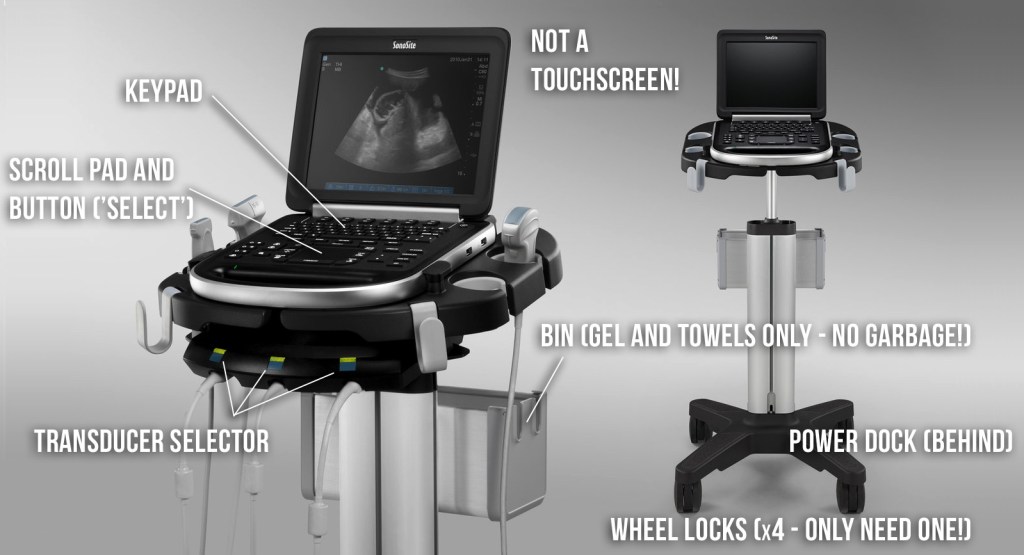
Machine overview
Performing a study
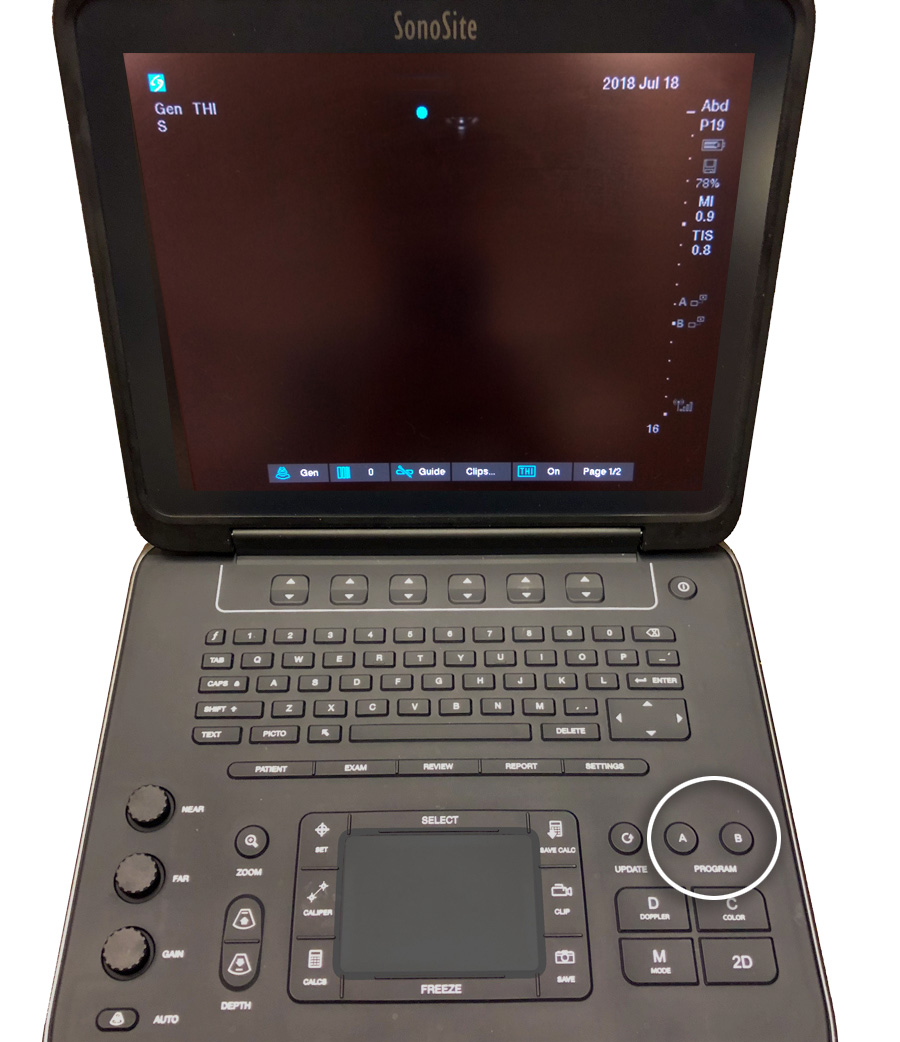
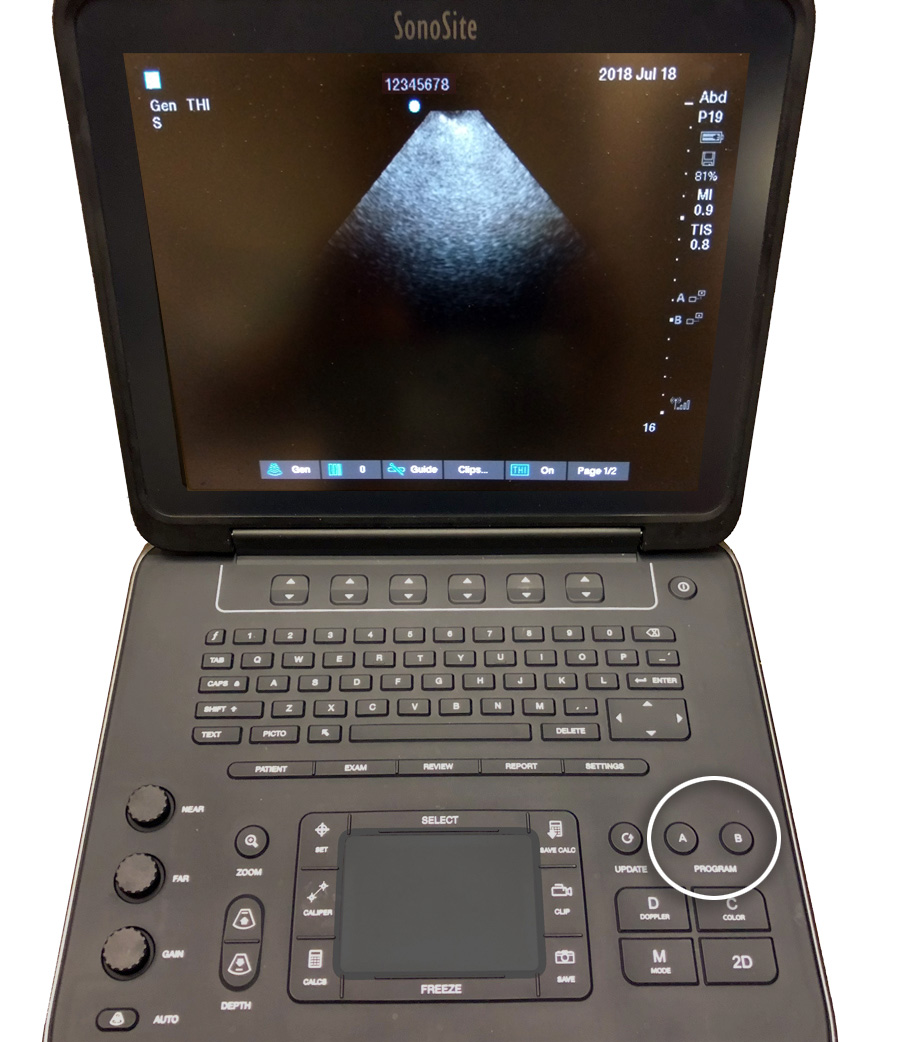
1 Press “A” or “B” (both buttons are the same).
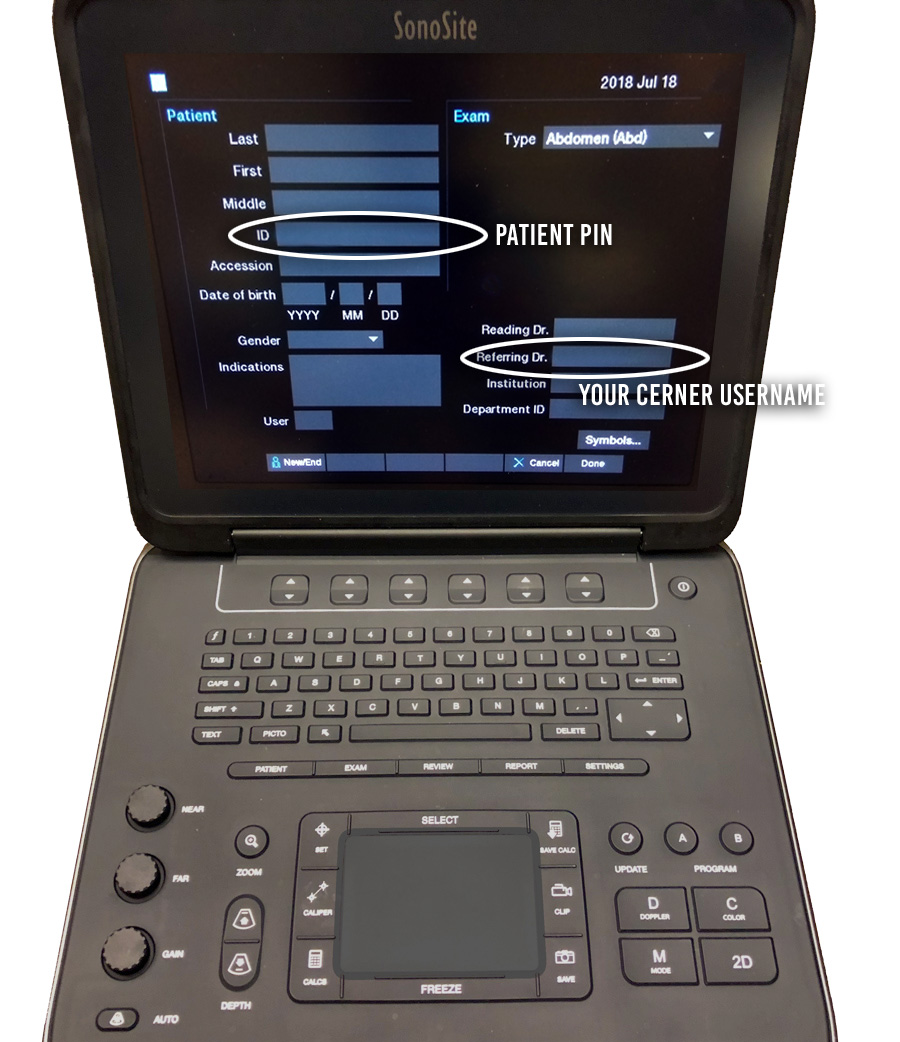
2 Enter patient PIN under “ID“, and your Cerner username under “Referring Dr”. All other fields can be ignored. Press “Done“.
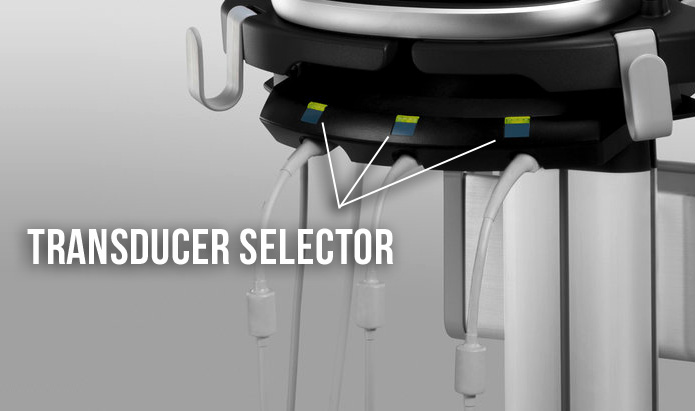
3 Press the button corresponding to the appropriate tranducer.
4 Choose the appropriate preset by pressing “Exam“.

5 Optimize gain and depth as needed (can also selectively adjust nearfield gain and farfield gain). Note: do not rely on “auto” gain though it may be useful as a reset to default.
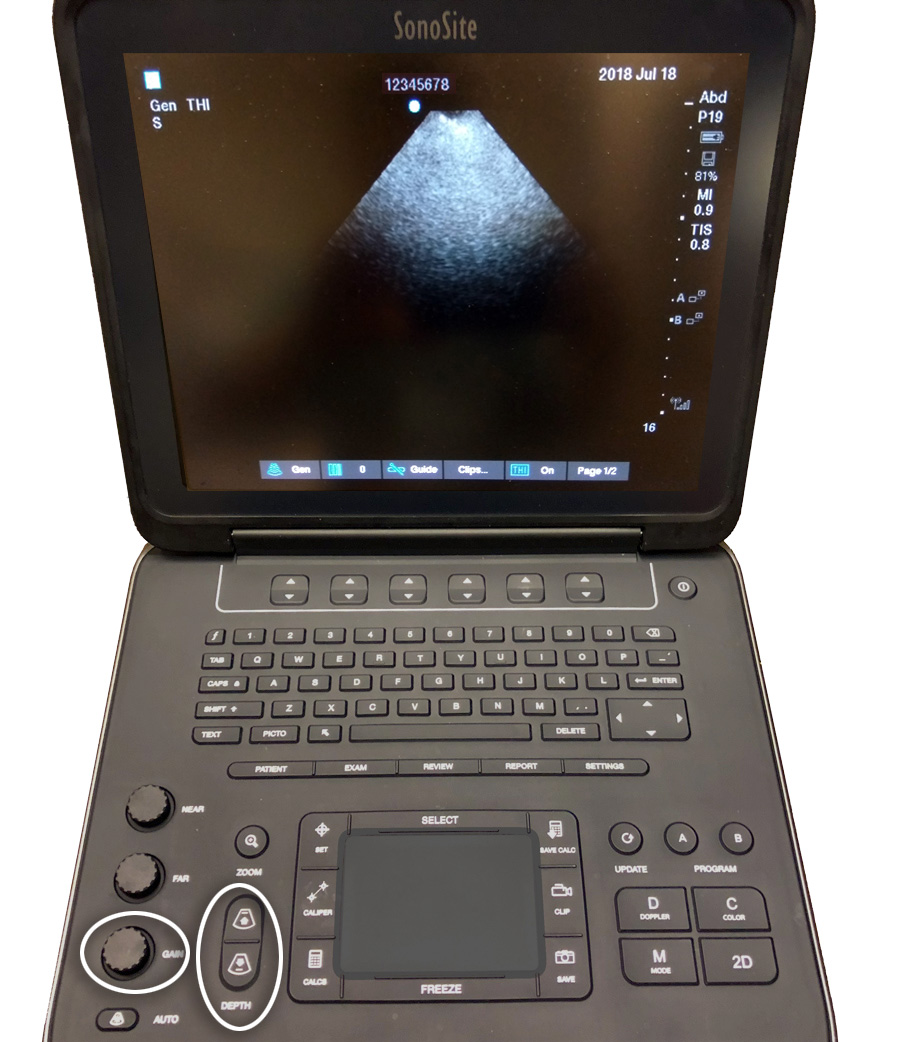
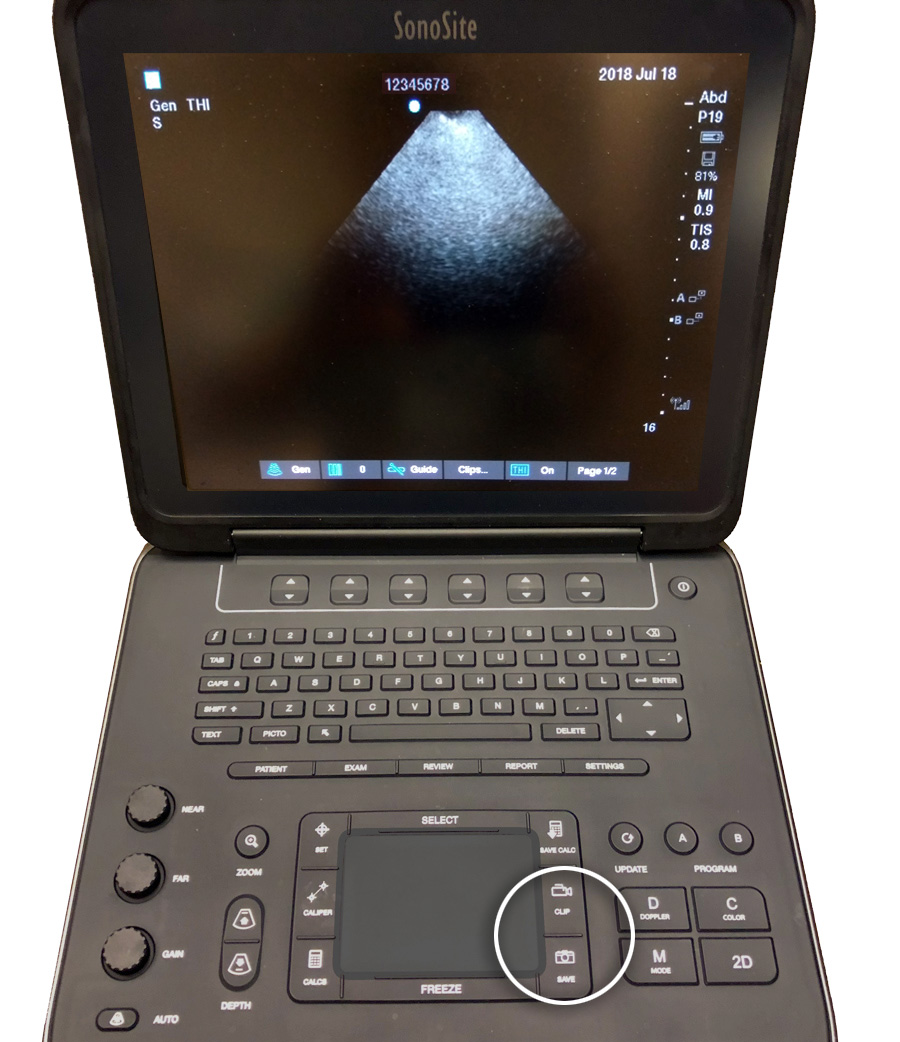
6 Archive your exams – press “Save” (still image) and/or “Clip” (6s video clip).
7 Press “A” or “B” again to conclude the study.
Other useful knobology
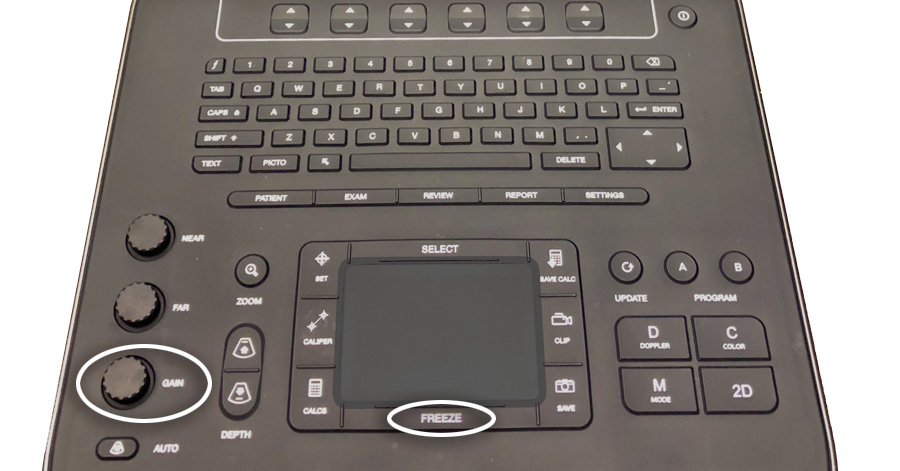
“Freeze” and scroll through the past 256 frames using either the scroll pad or gain dial.
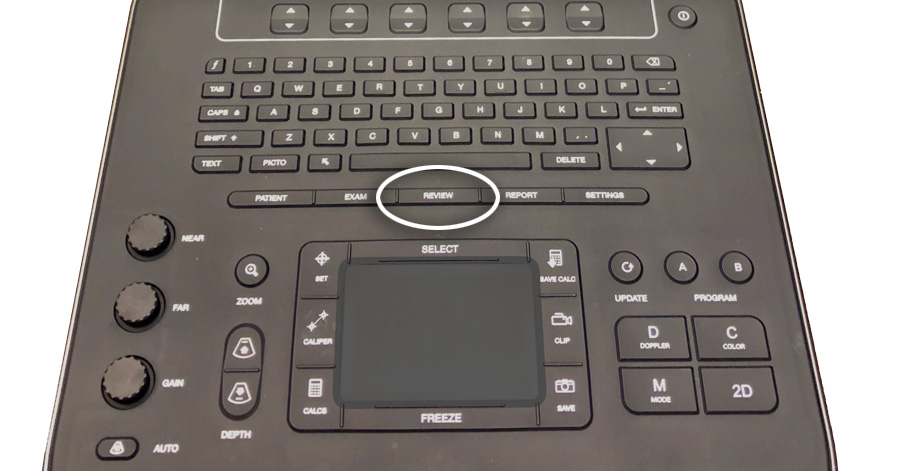
“Review” archived images/clips.
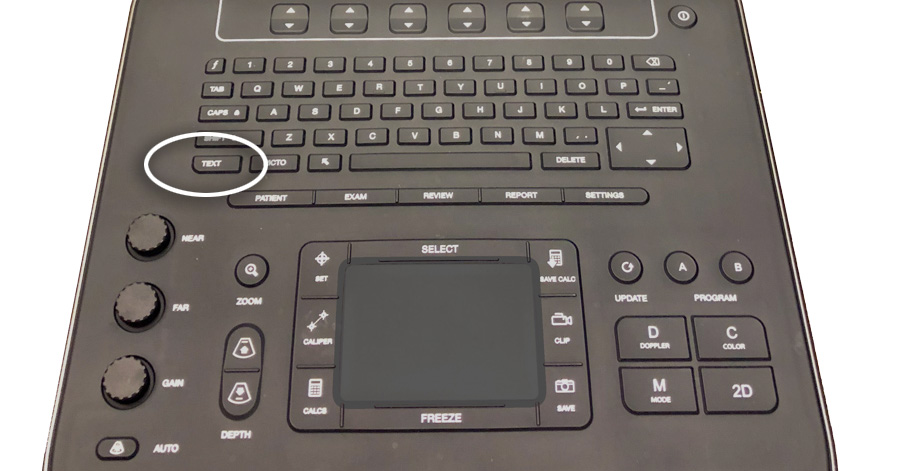
“Text” for on-screen labelling.
 IMSono.ca