
First log-in
Use your LHSC Cerner Powerchart account credentials at https://lhsc.qpath.cloud/
Note: Your Qpath account is created after your first log-in. If you had tried archiving ultrasound studies prior to logging in to Qpath for the first time, then the studies are still available on Qpath but would not have your username attached to them.

Default view
1. The default Qpath view shows you all studies from every department of LHSC and SJHC.
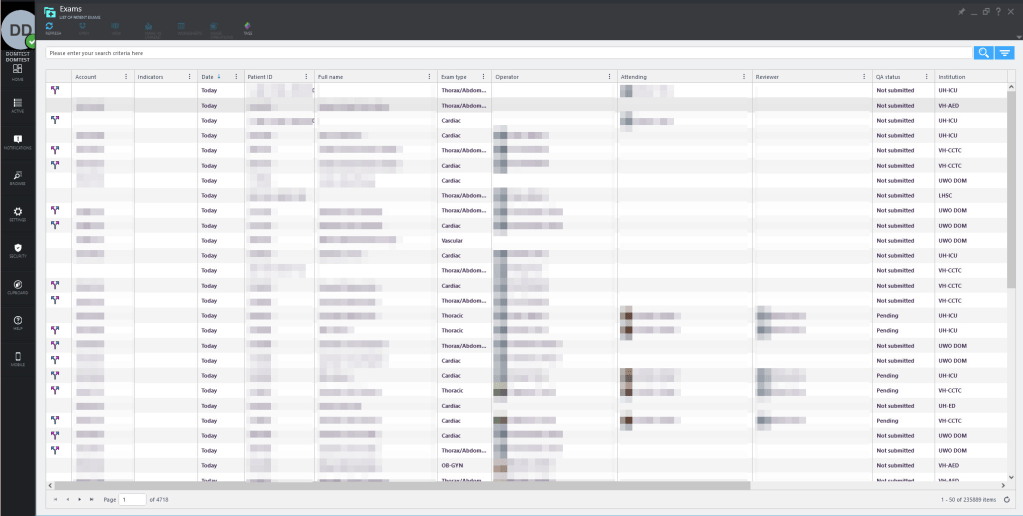
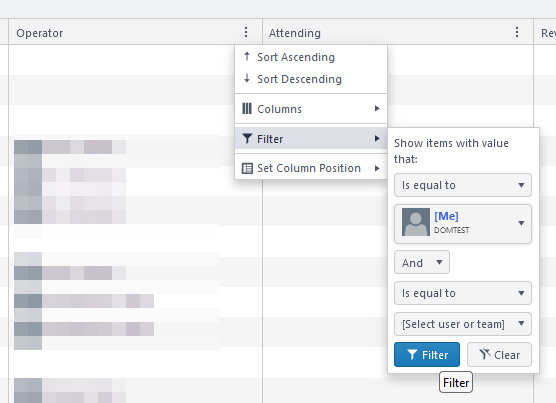
2. Click  next to the “Operator” column to create a filter view for your own studies
3. Save this filter view (thumbtack icon at top right of the screen)
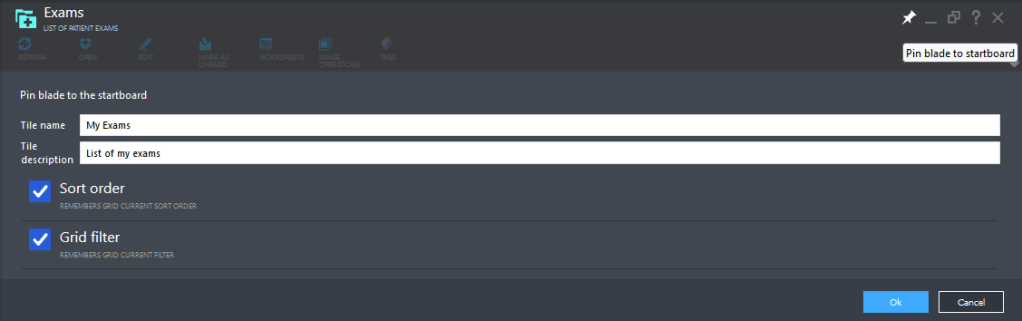
4. Qpath returns to the Home screen, and you can right click on your new filter view to set it as the default startup view

 IMSono.ca